

How to Design Banner Stands Like a Pro
Designing a banner stand is easy with Totally Promotional's cutting edge technology, design templates and experienced support team. Our step-by-step process allows you to create the banner stand you want in minutes.
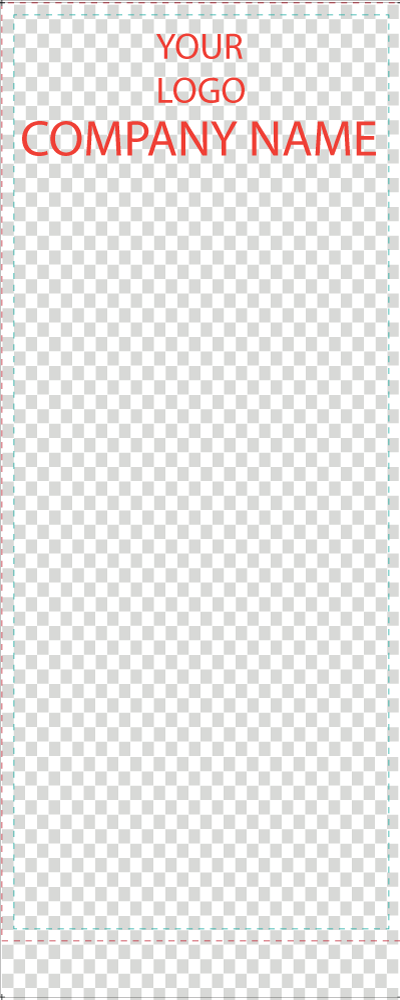
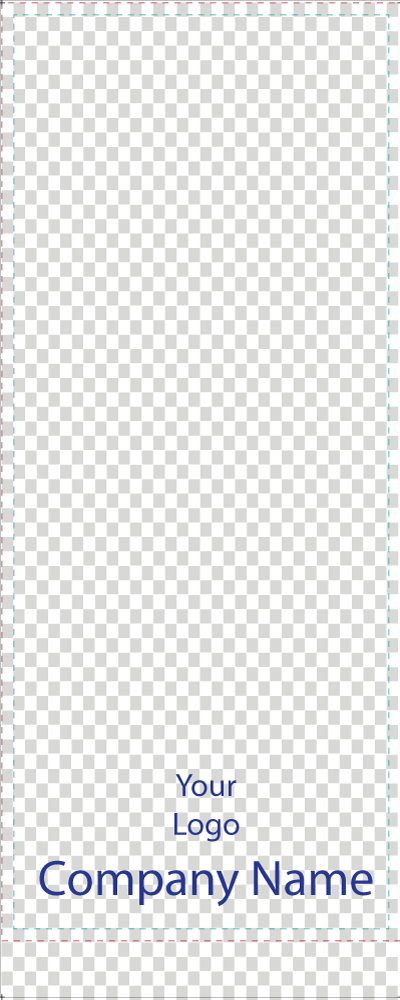
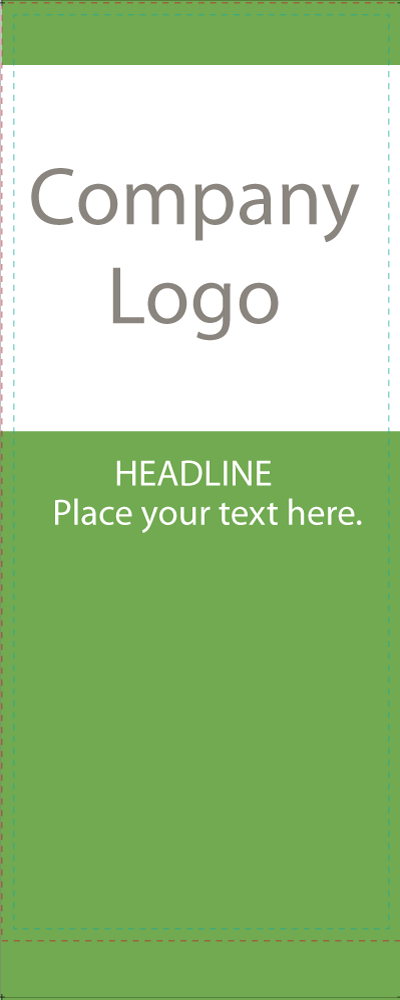
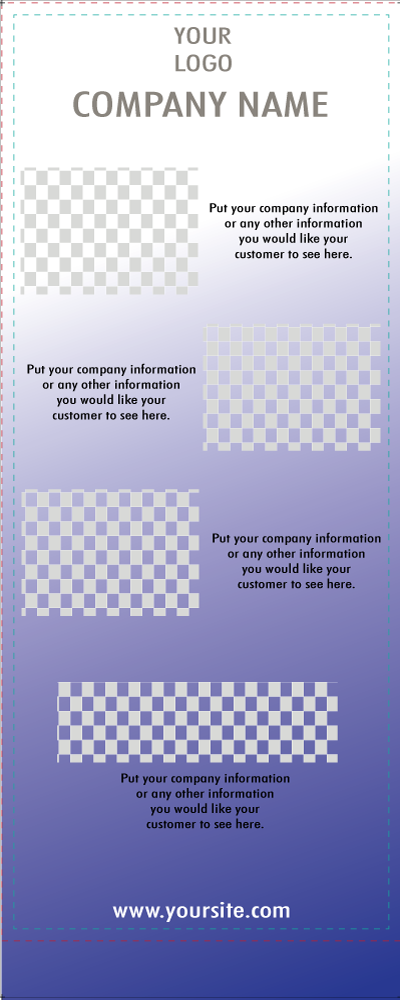
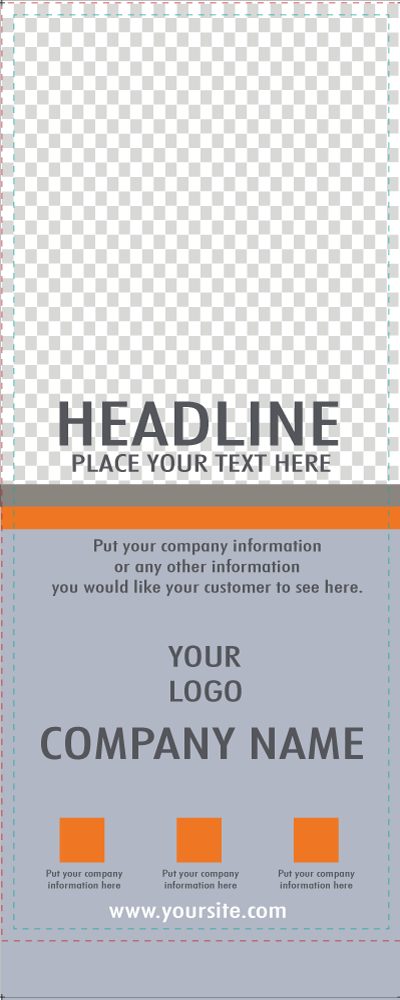
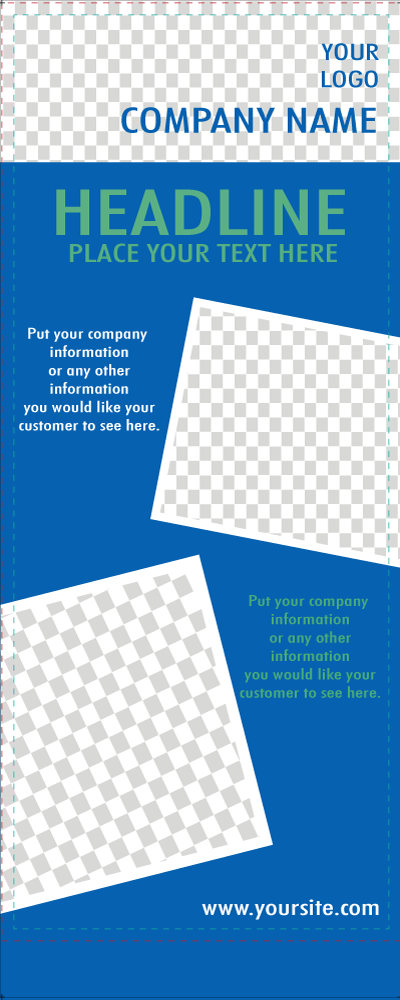
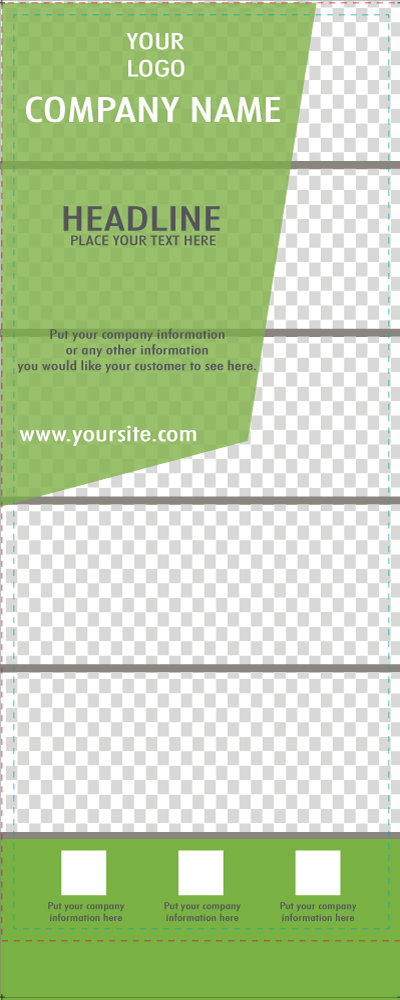
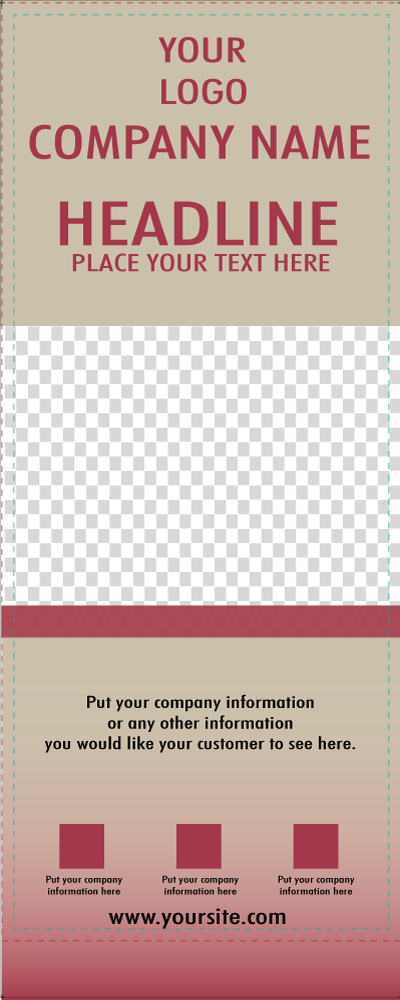
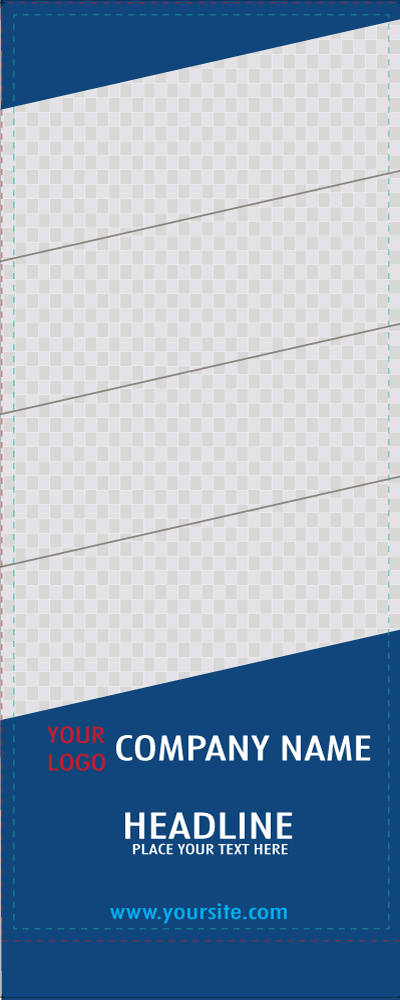
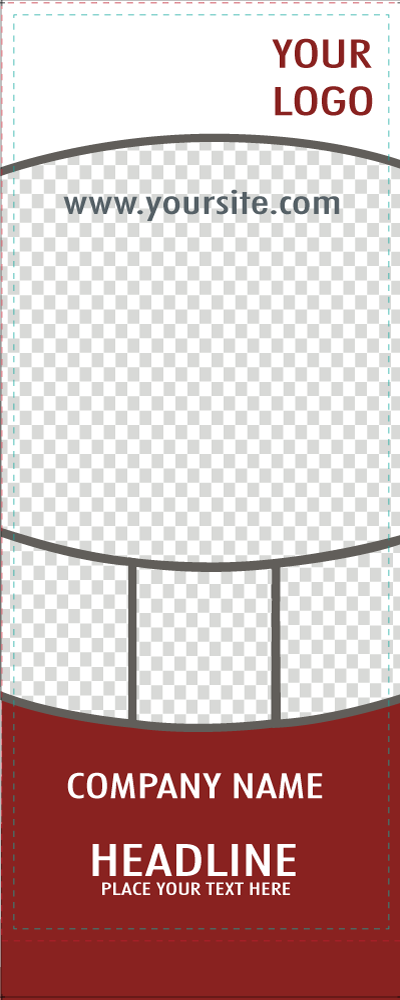
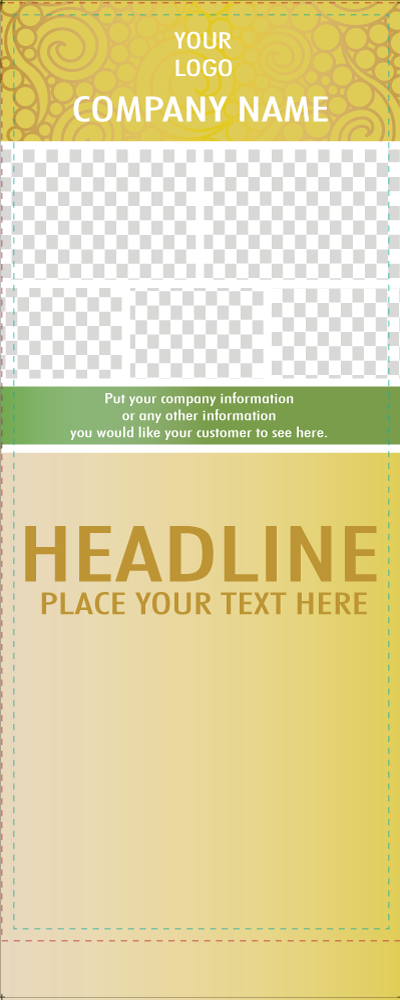
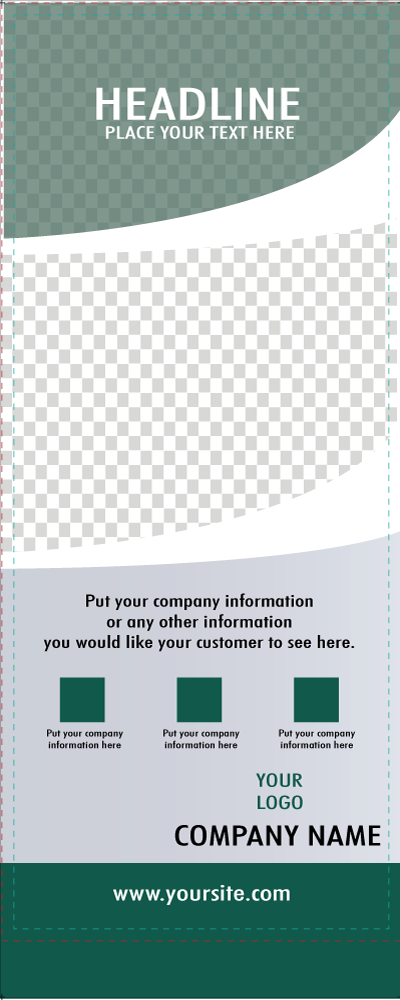
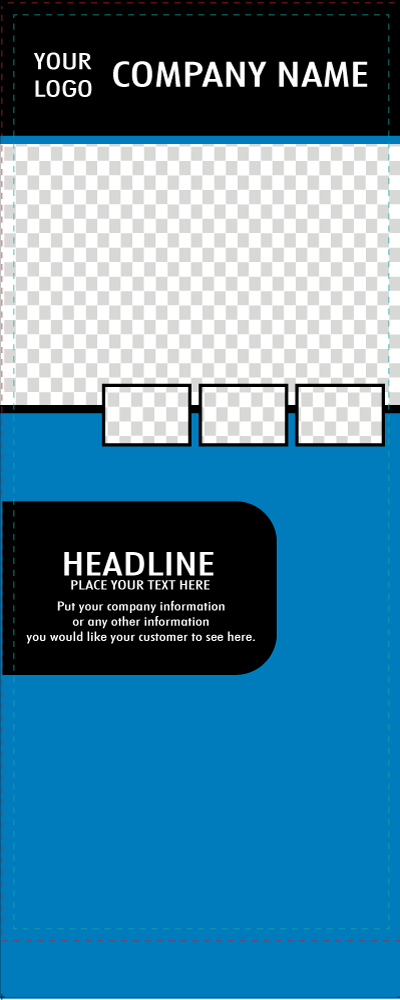
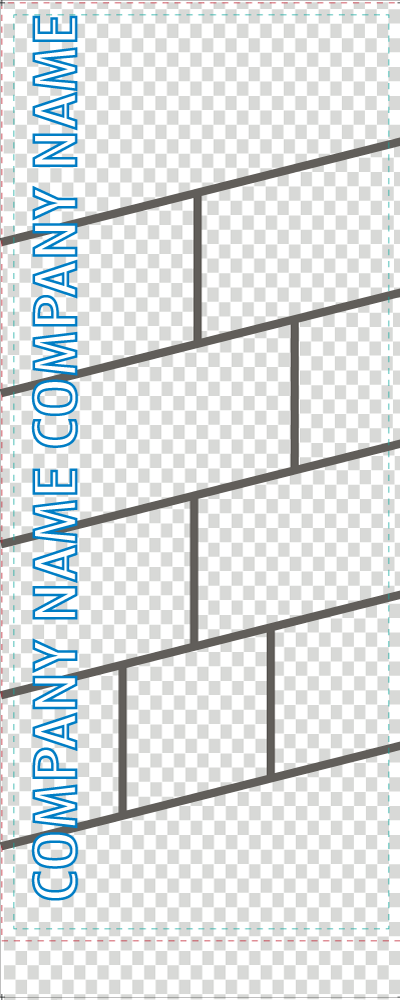
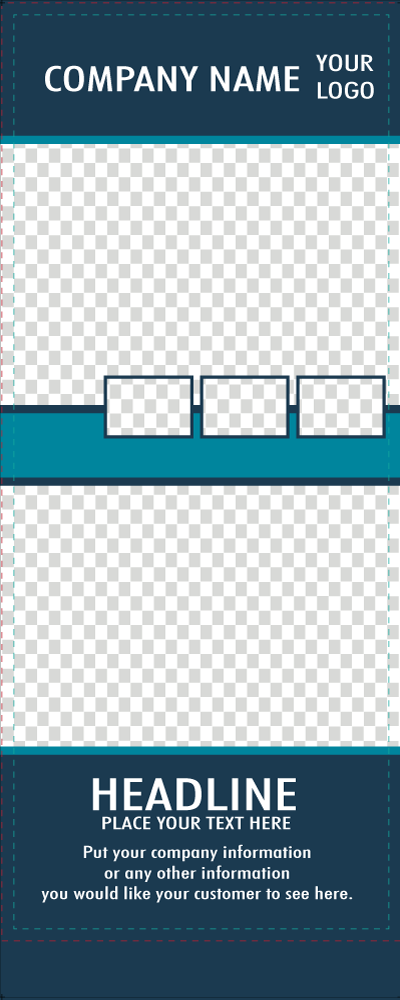
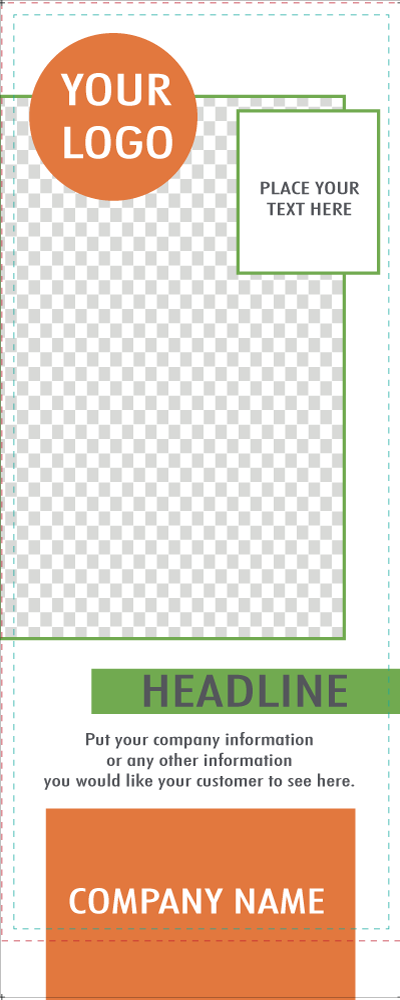
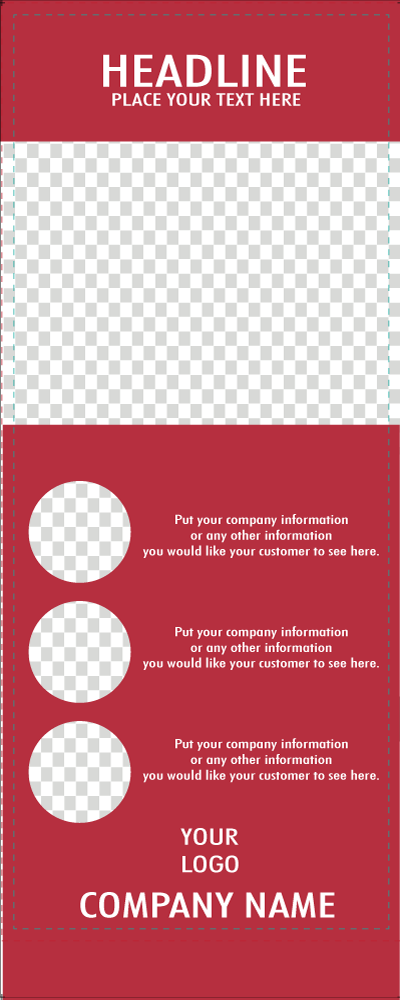
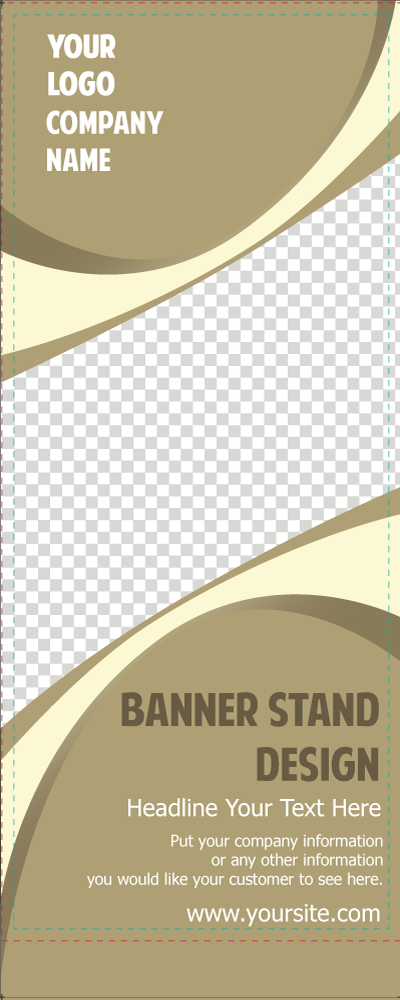
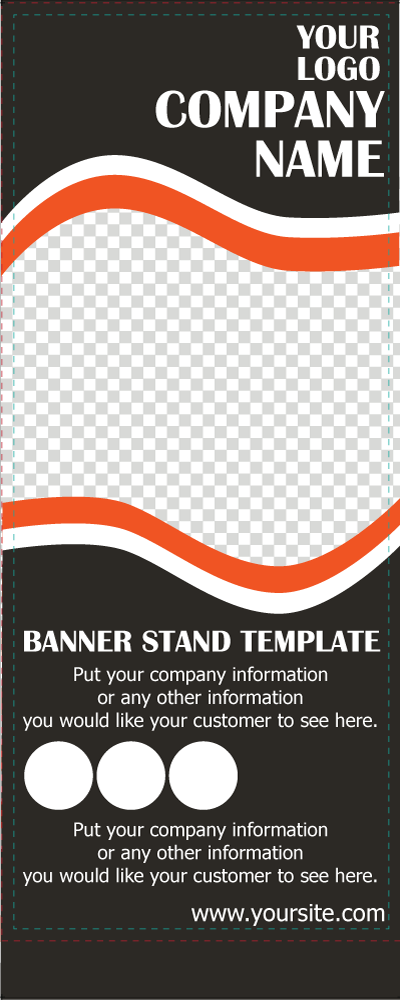
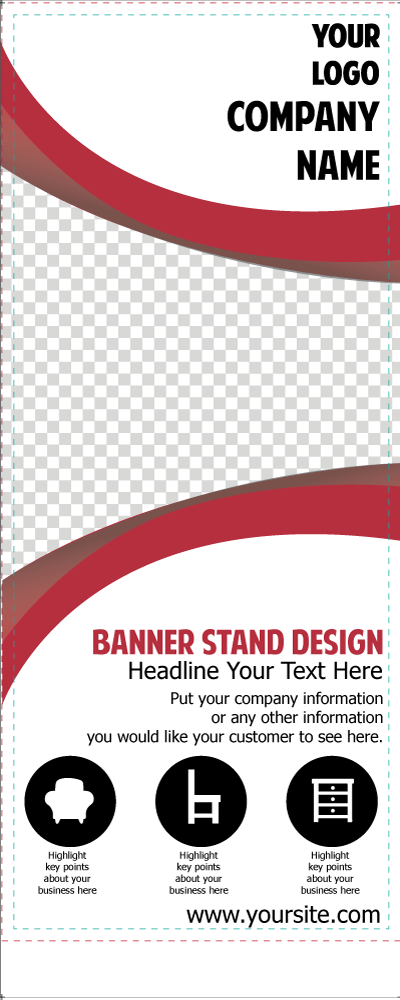
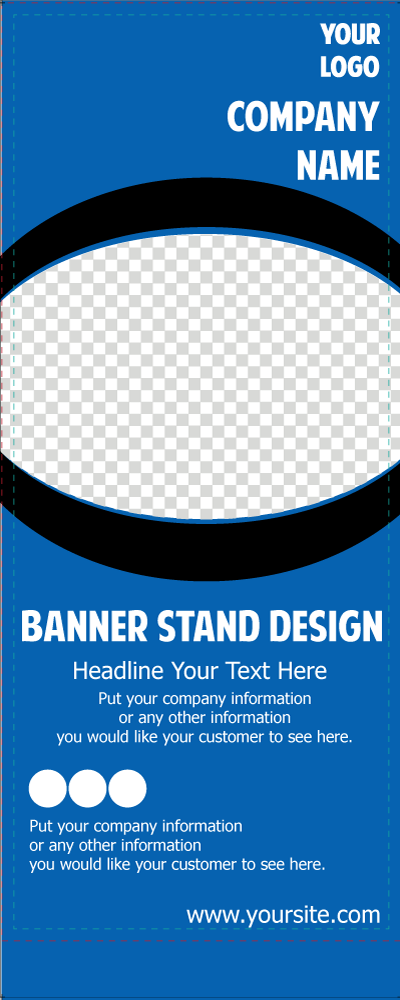
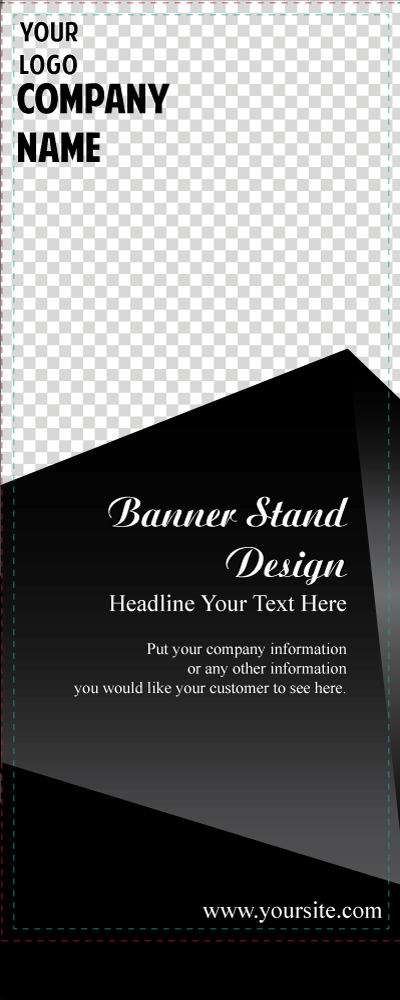
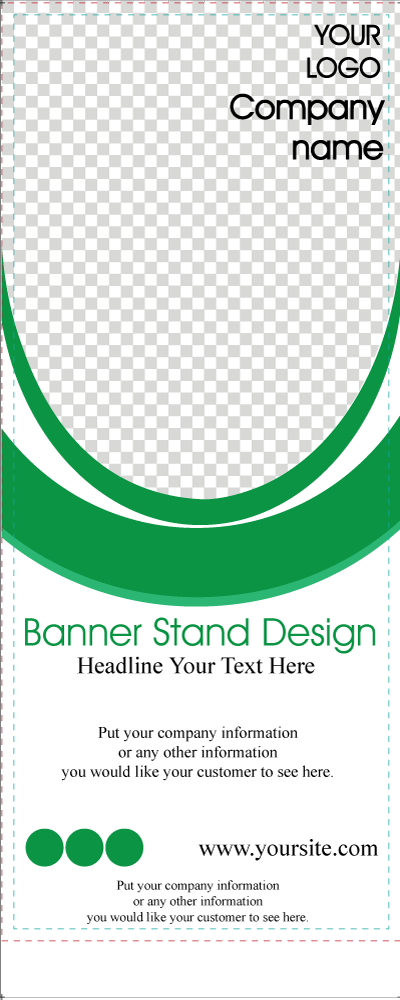
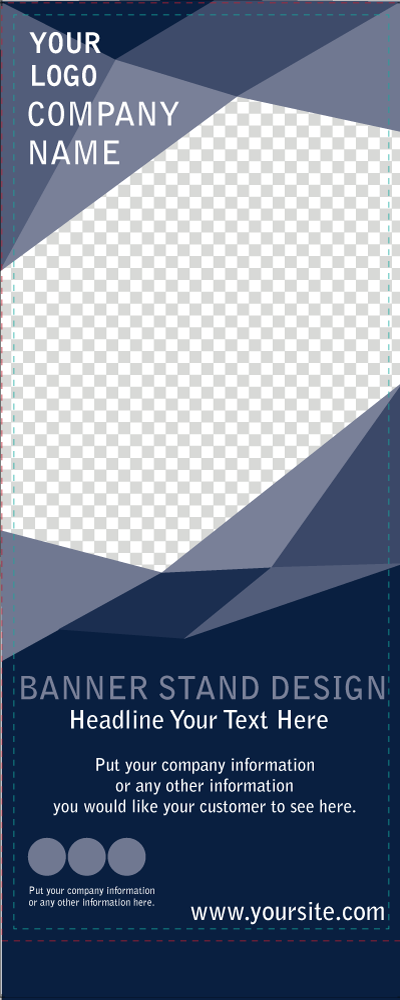
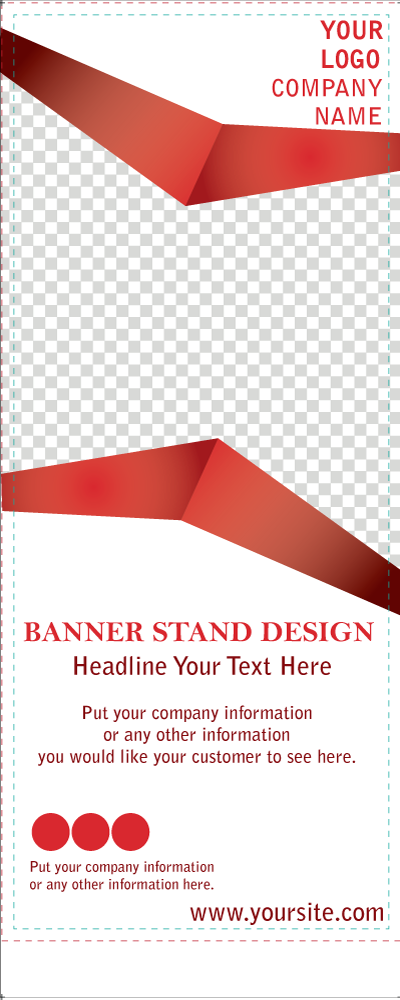
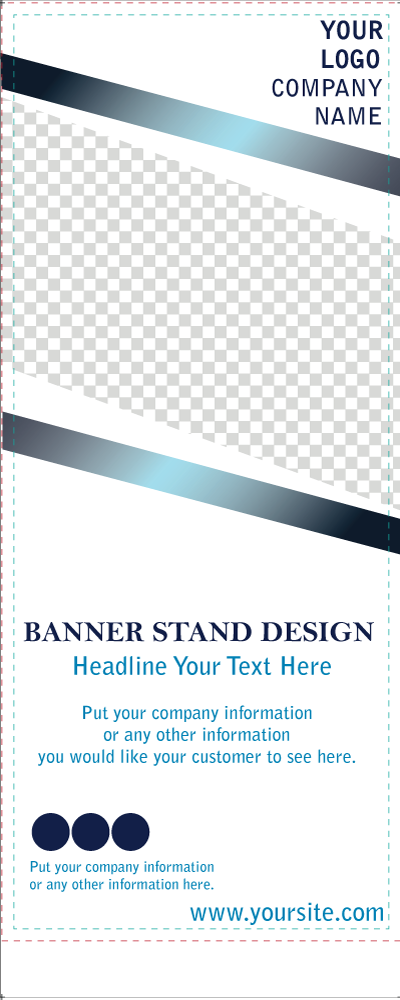
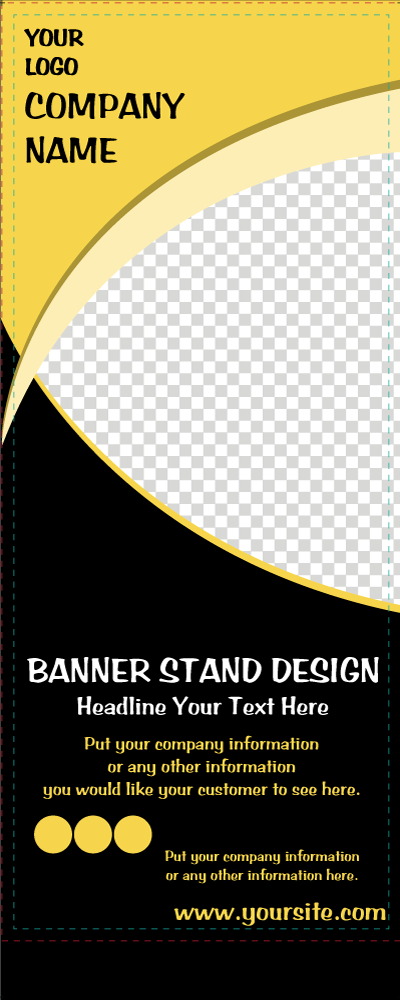
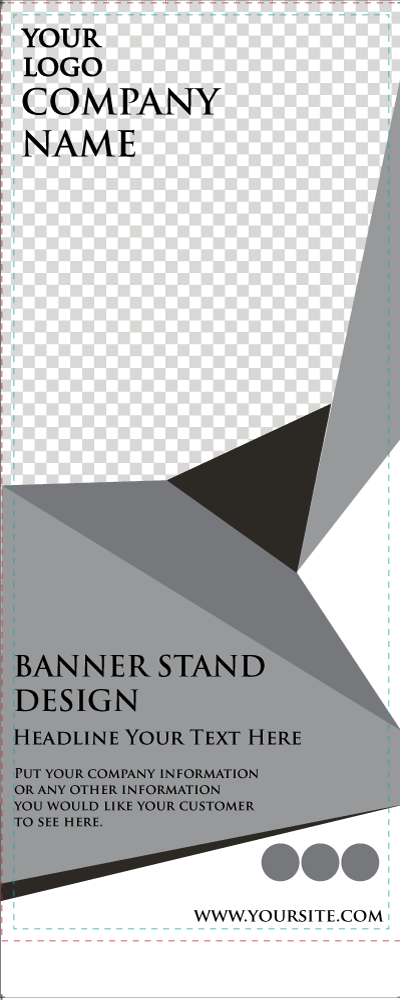
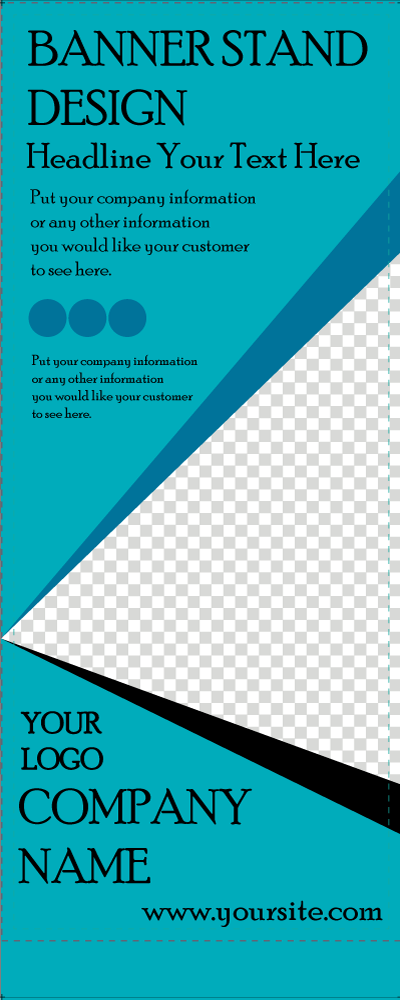
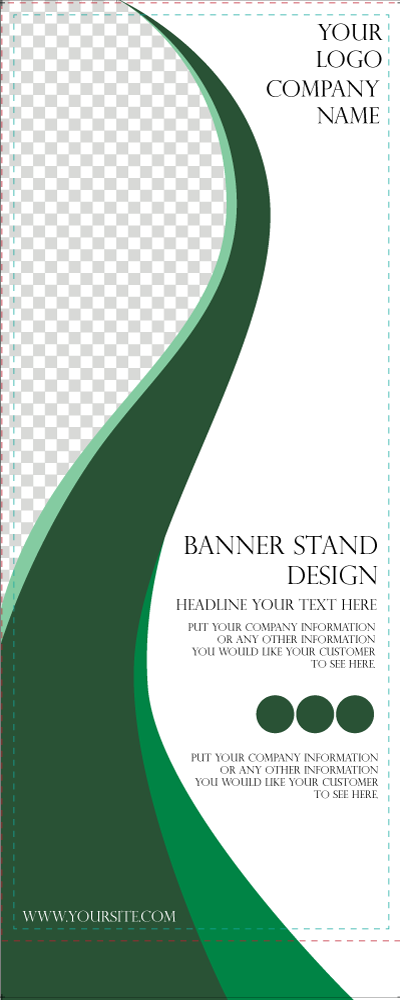
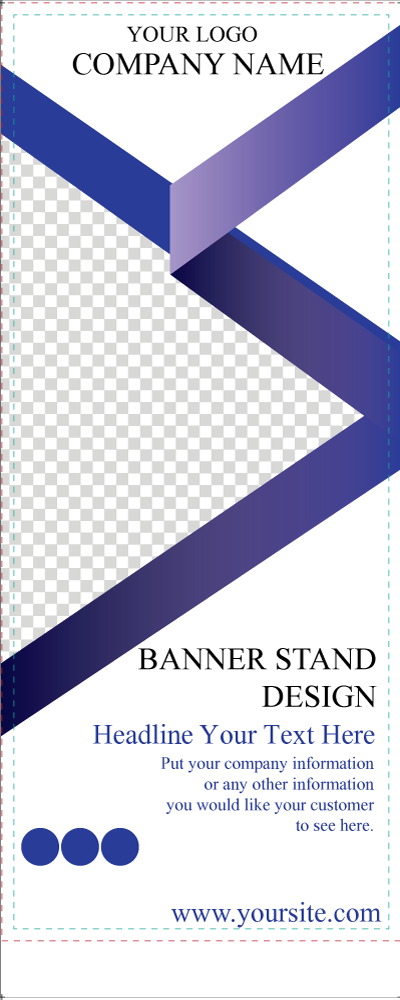
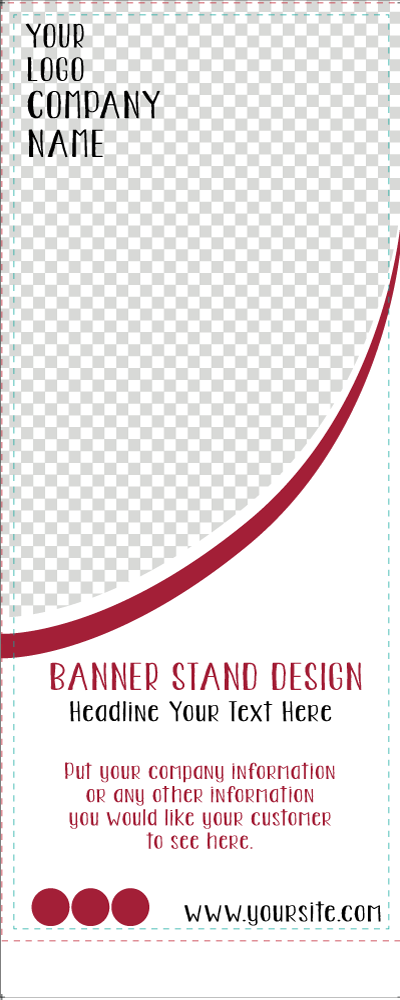
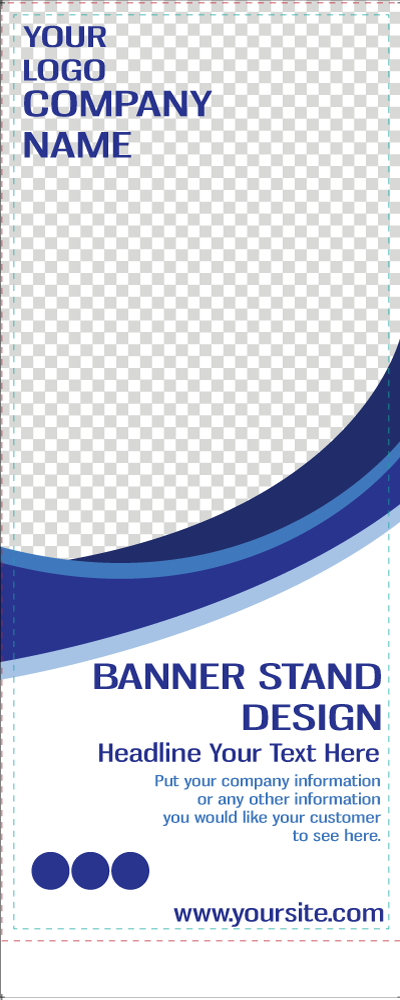
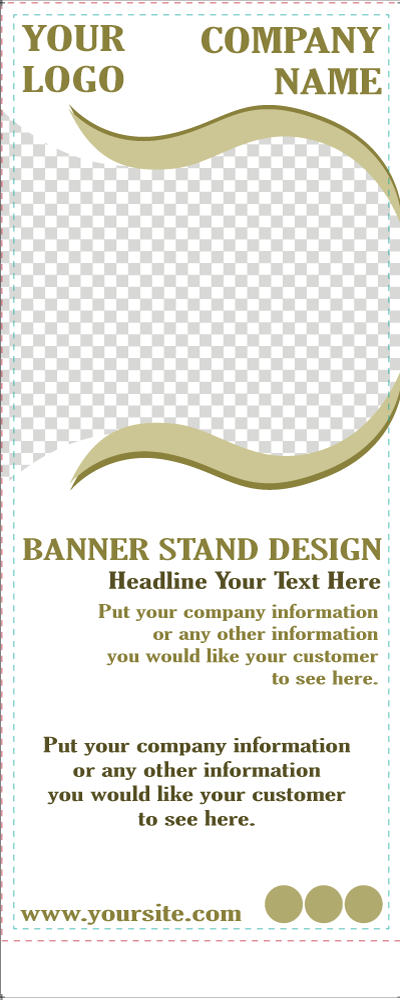
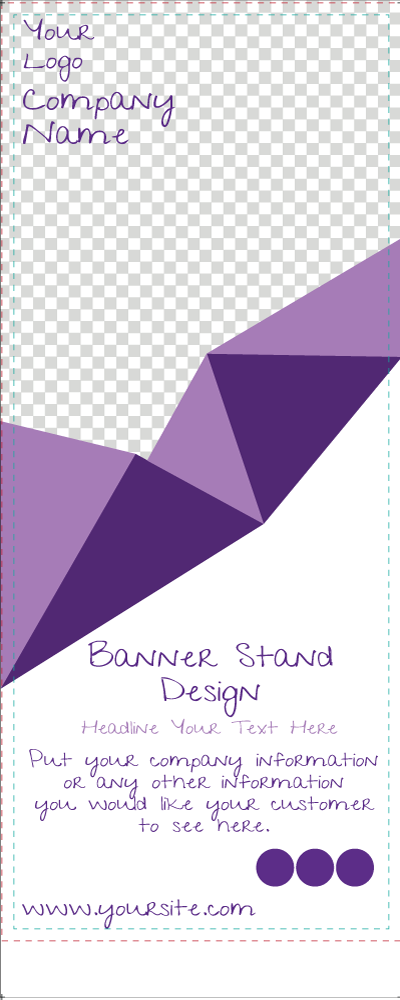
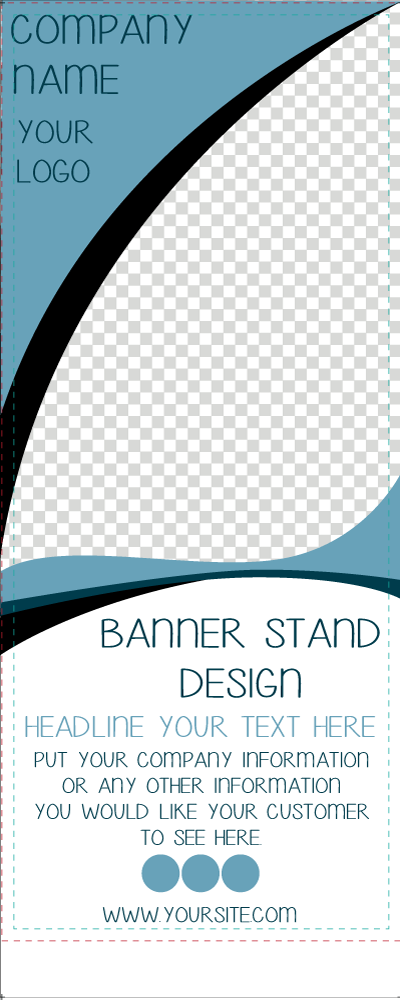
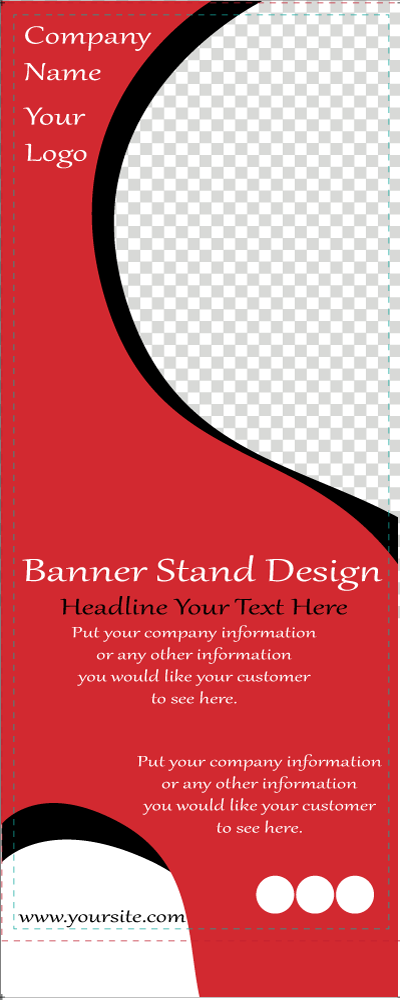
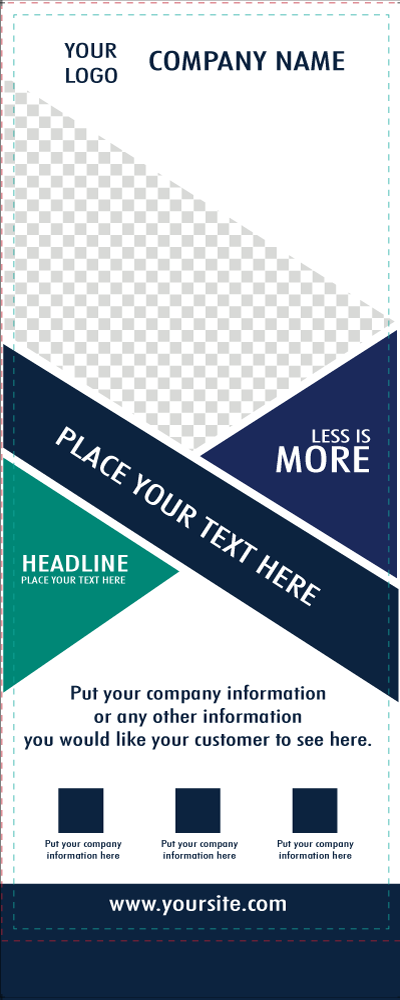
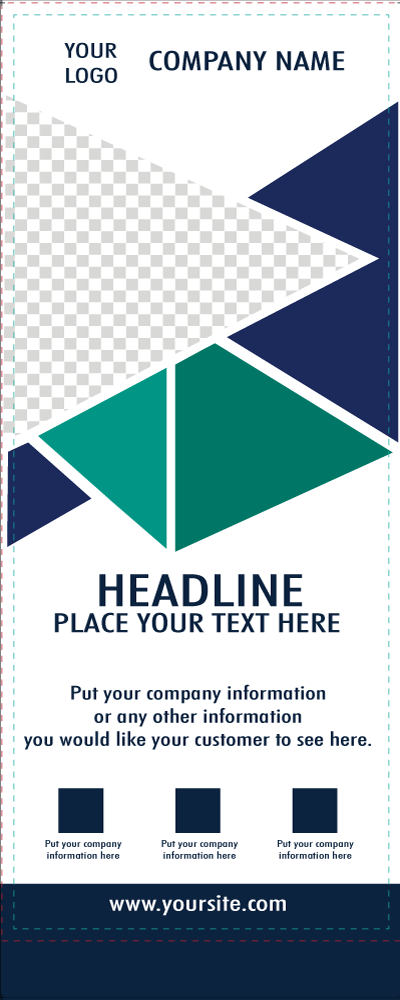
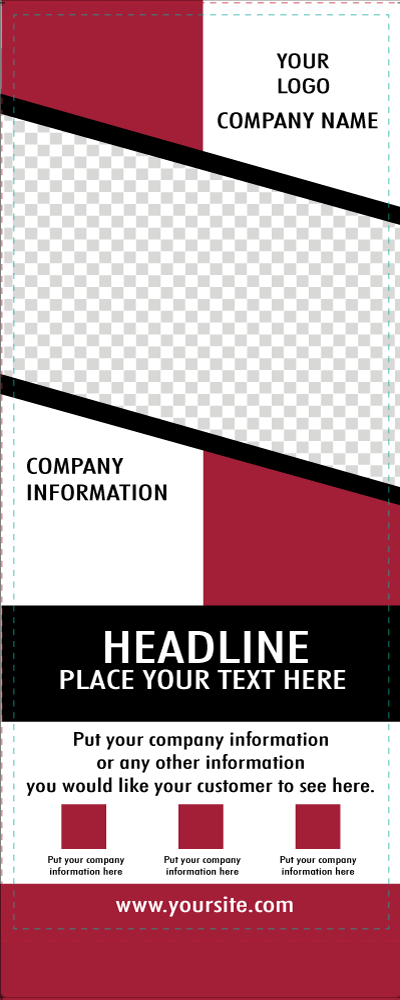
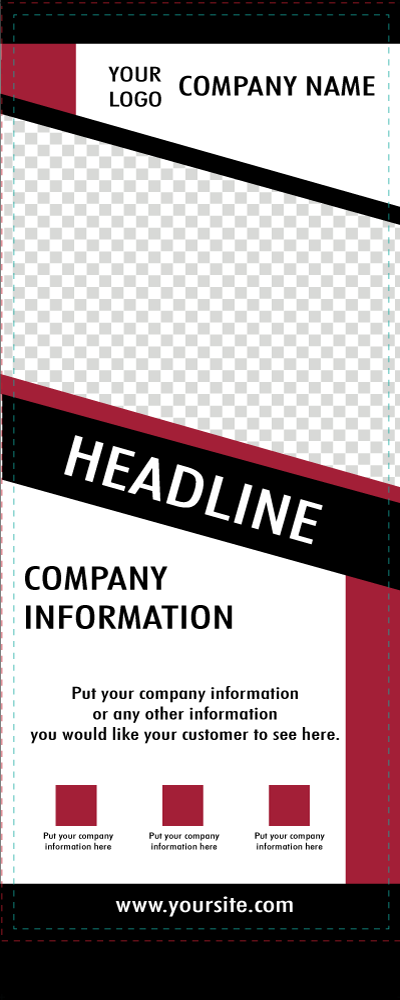
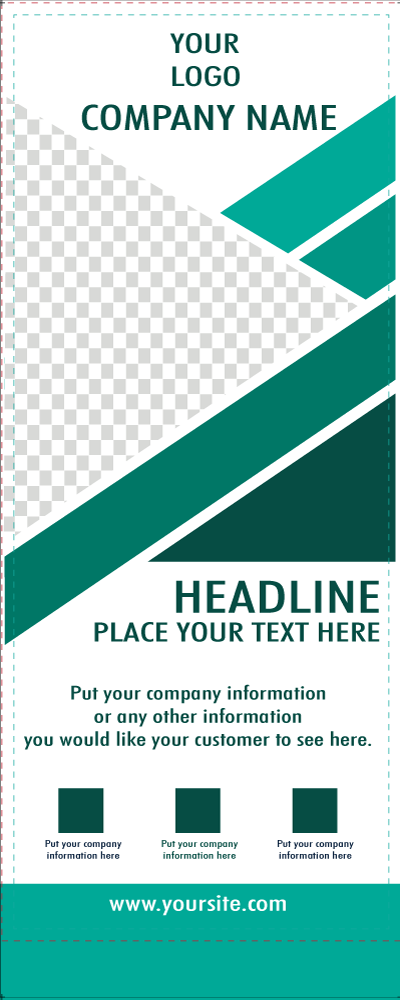
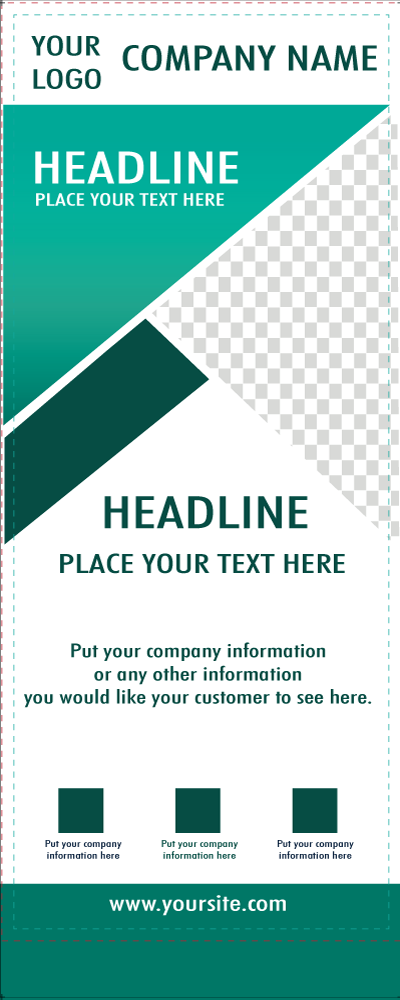
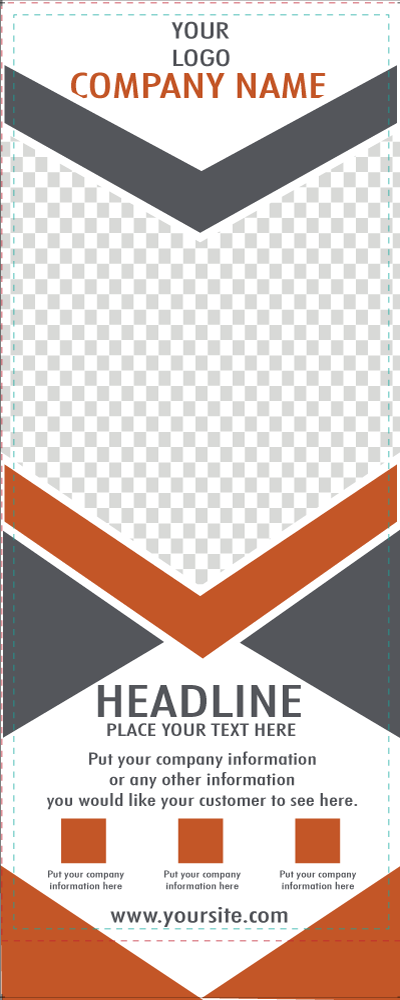
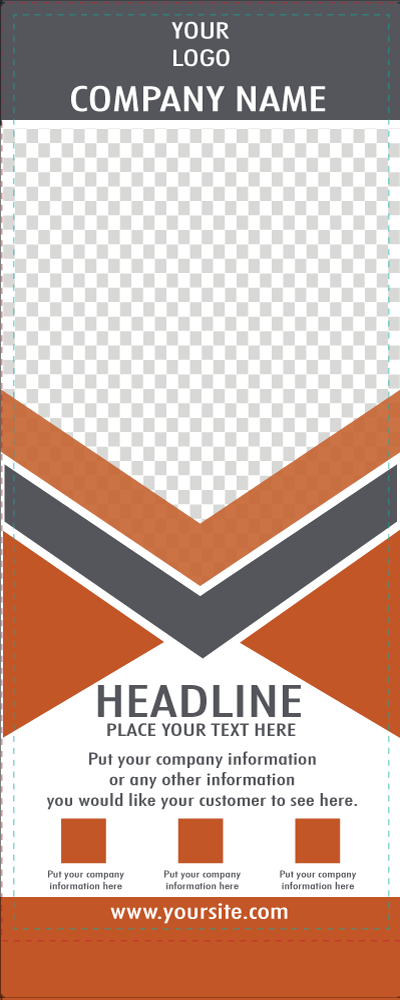
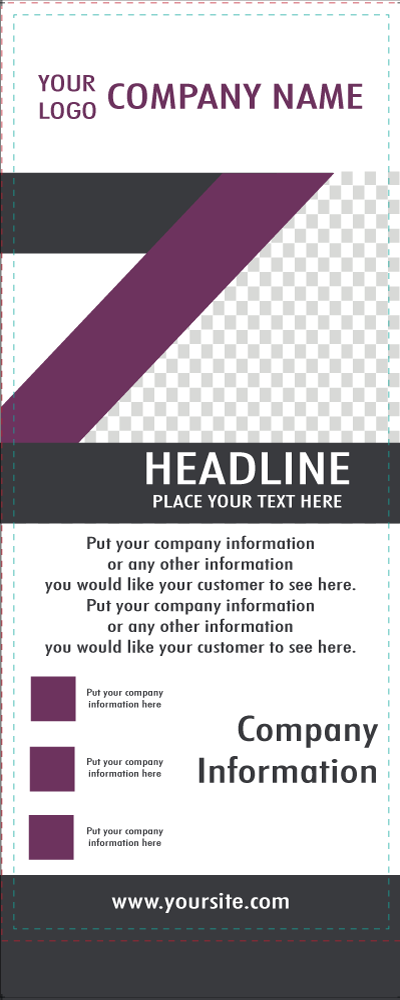
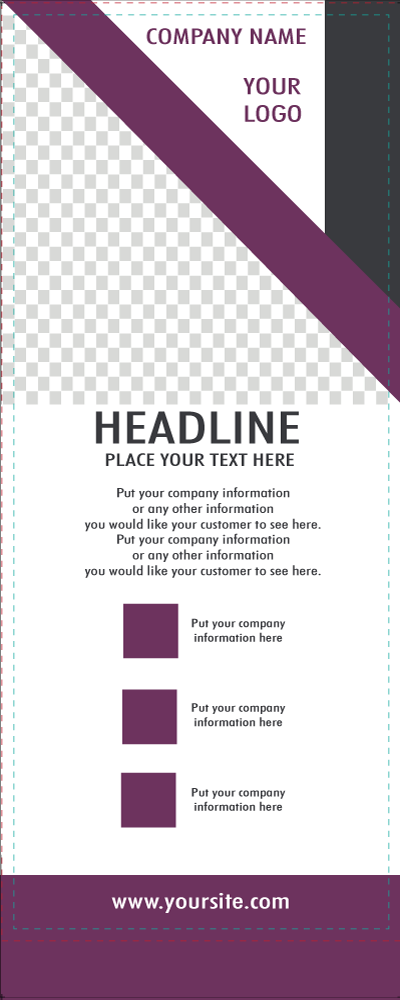
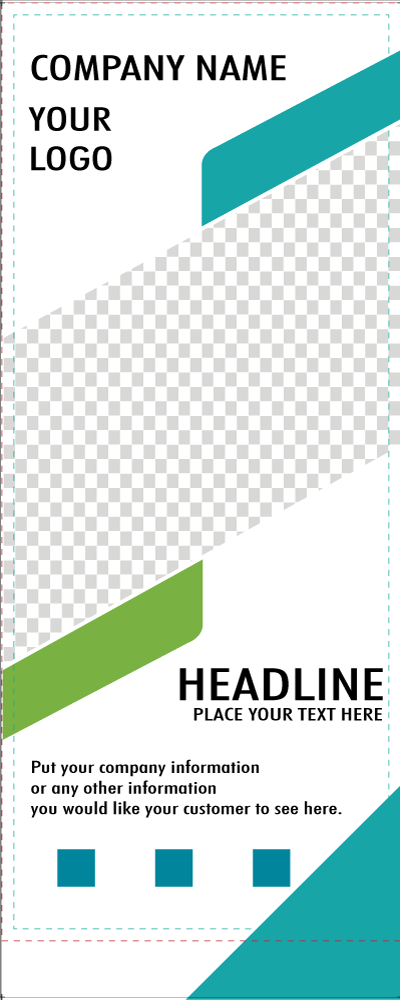
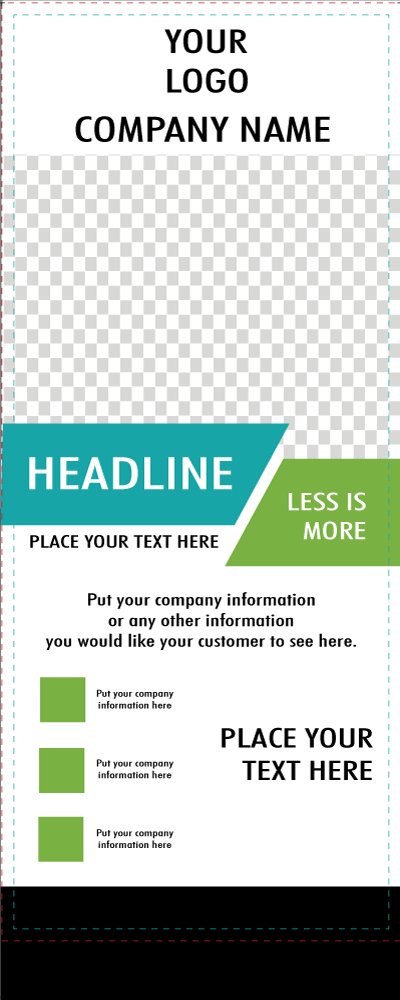
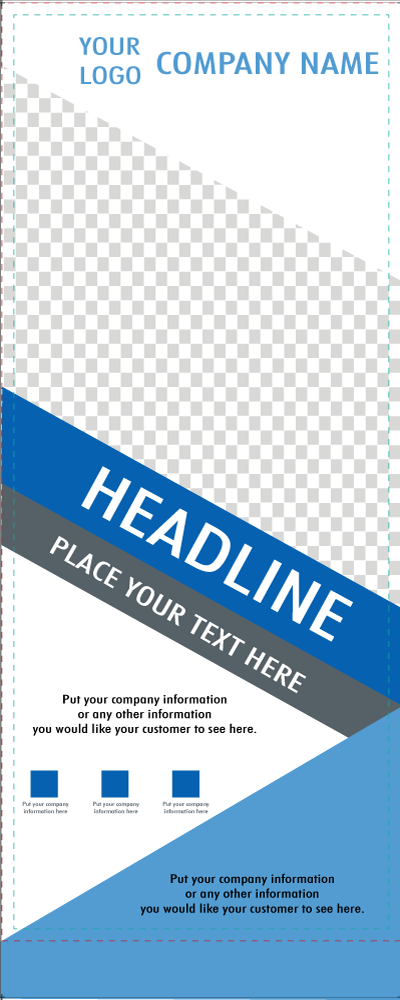
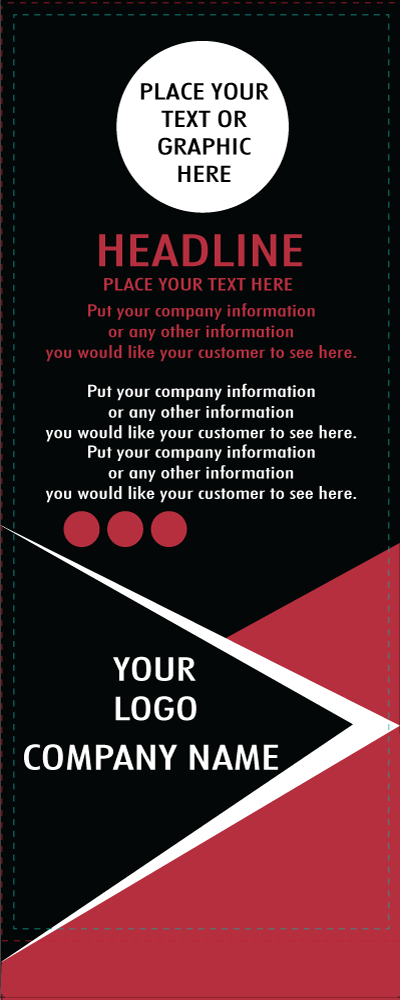
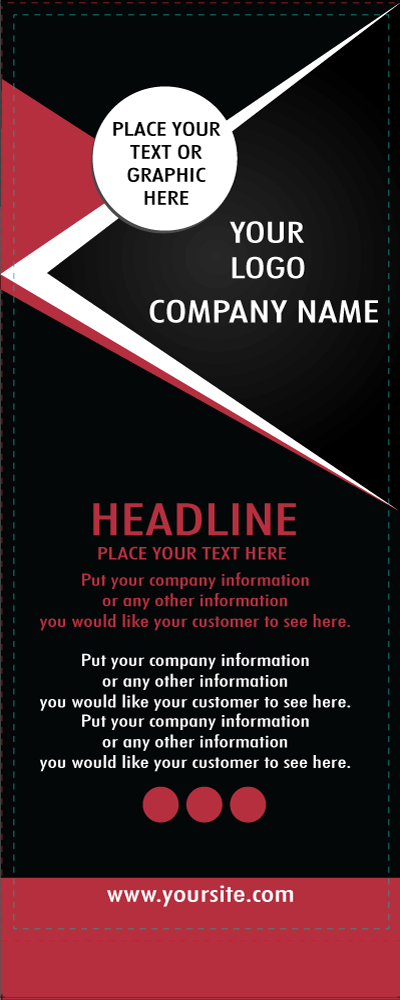
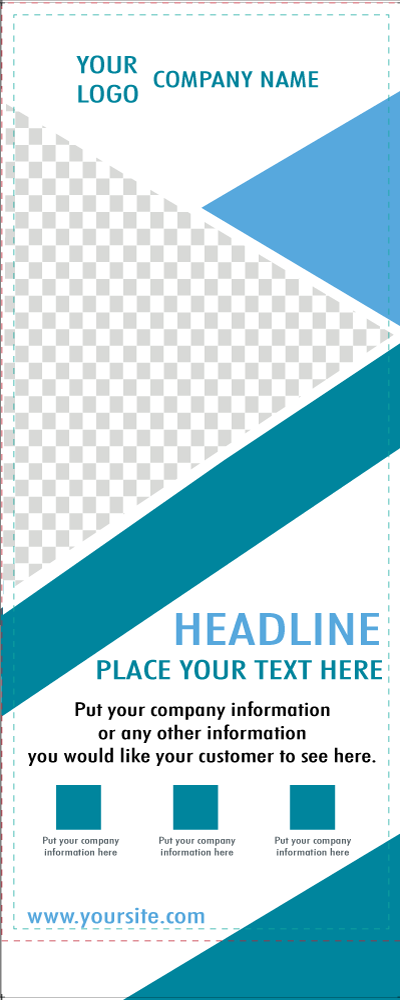
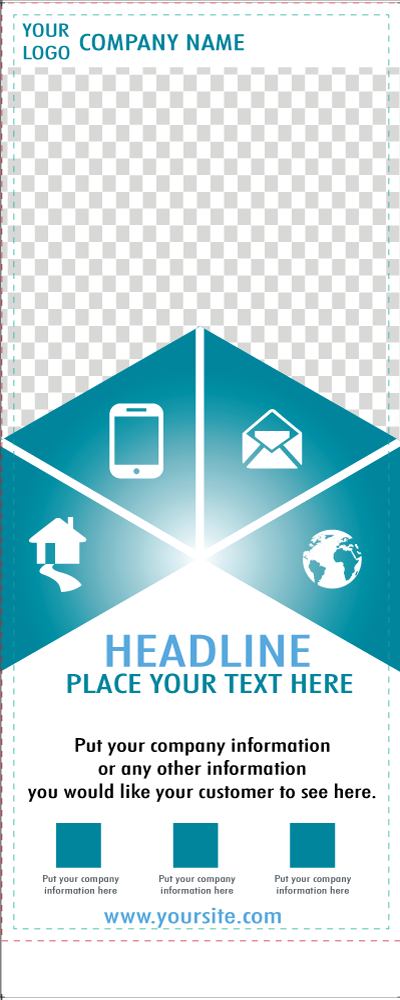
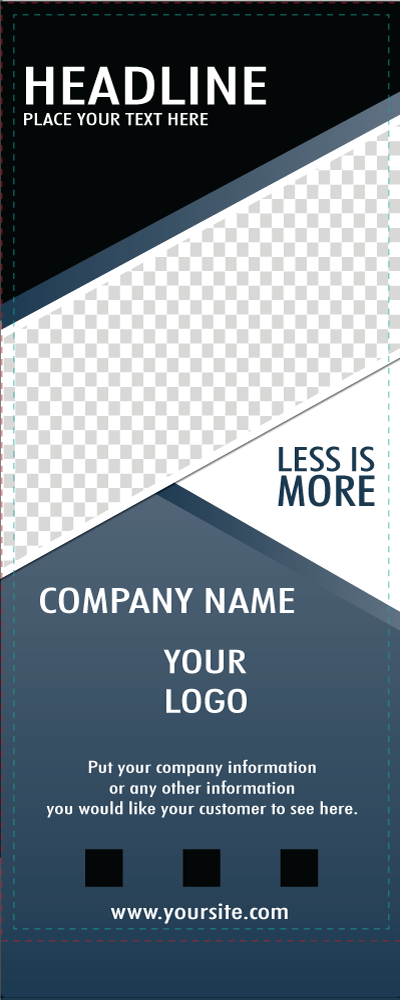
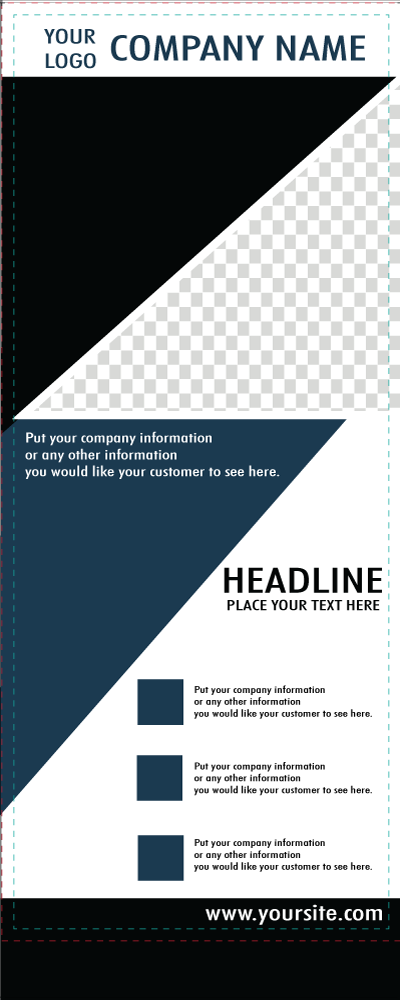
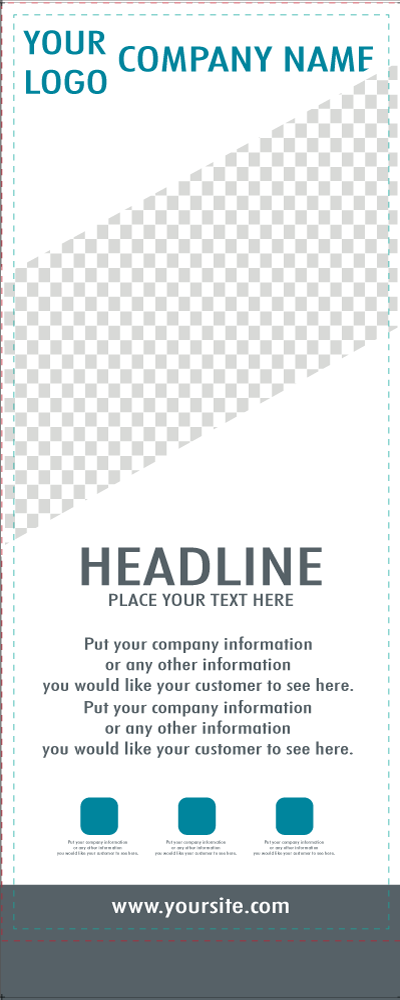
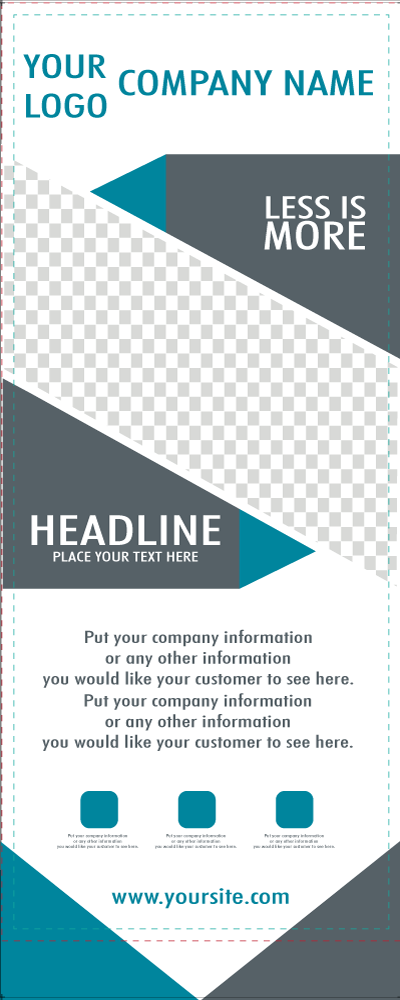
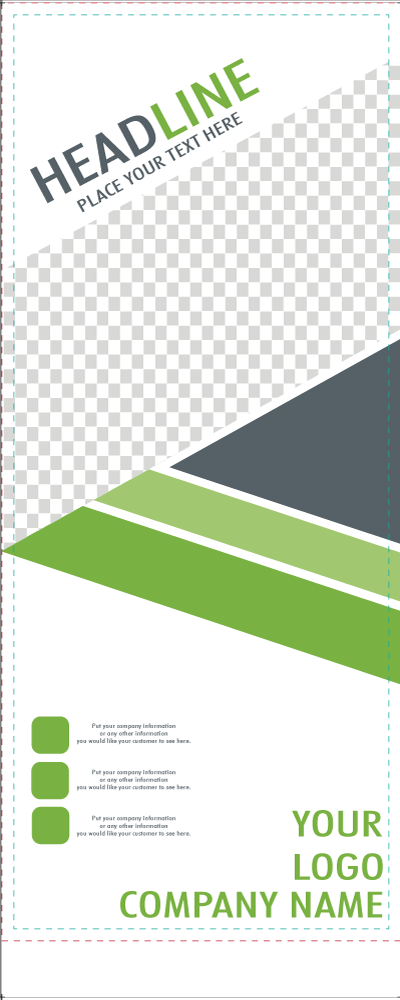
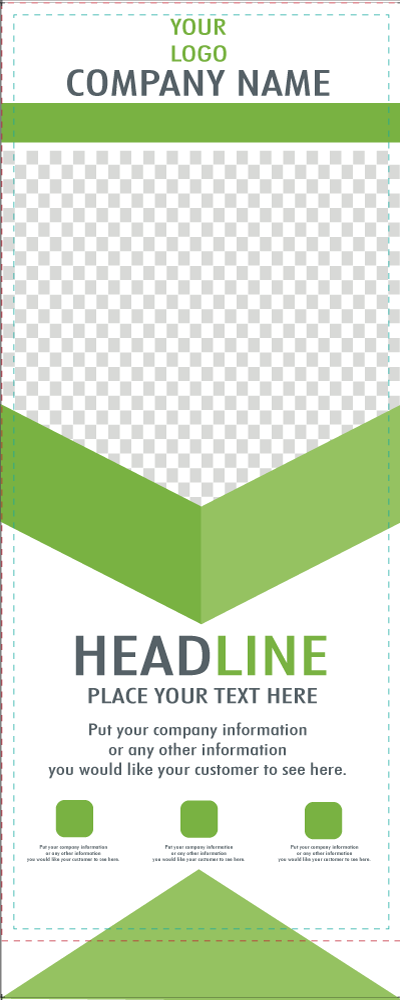
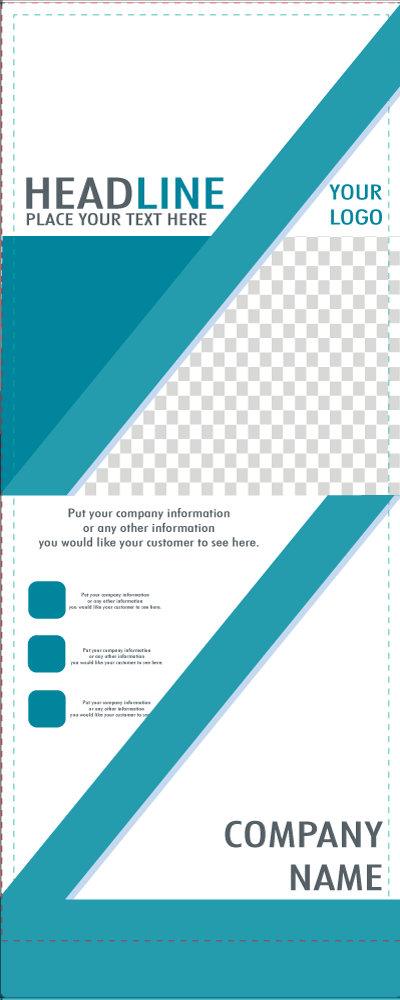
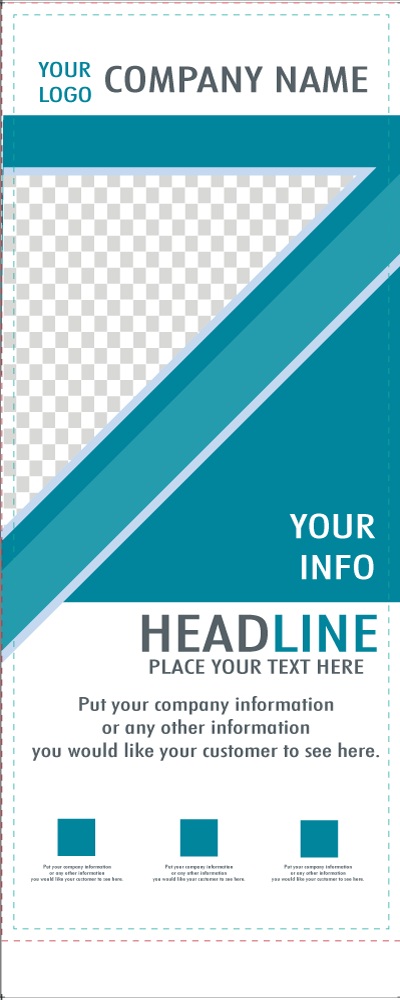
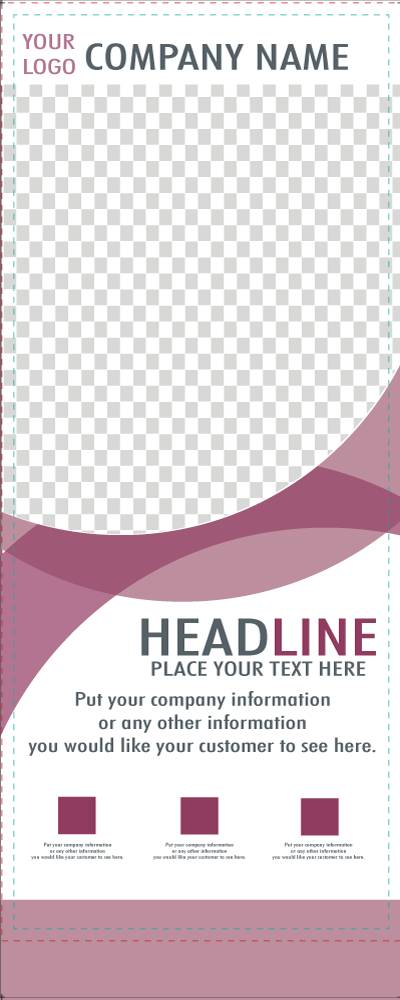
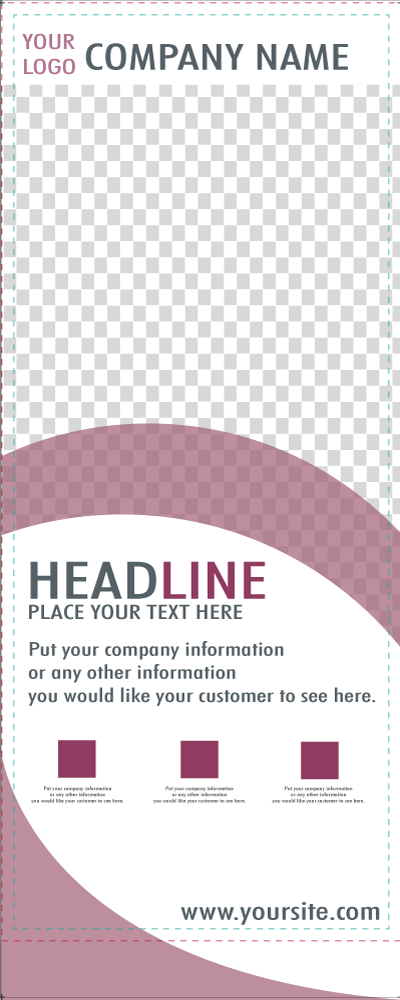
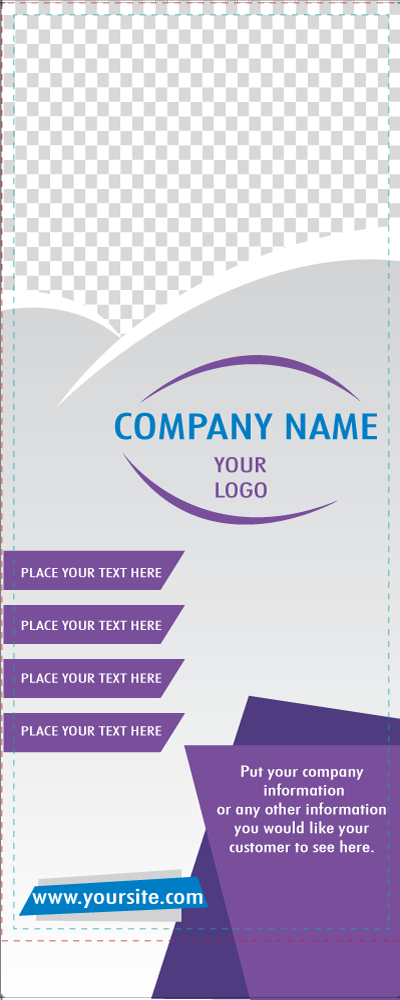
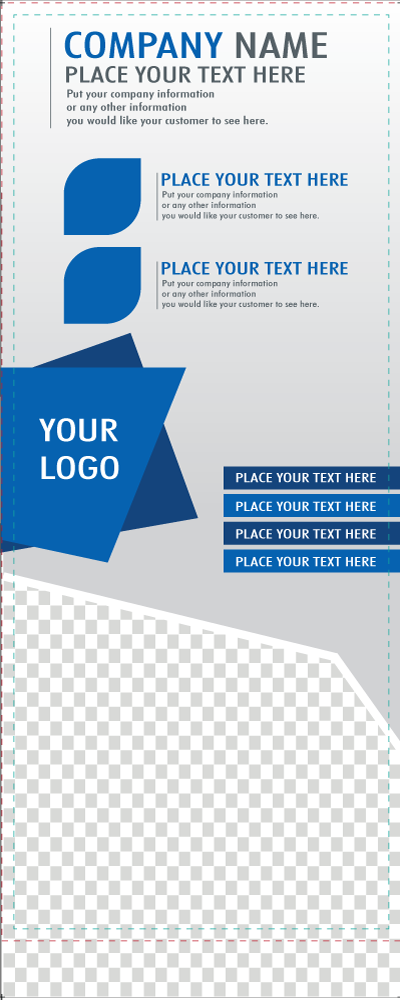
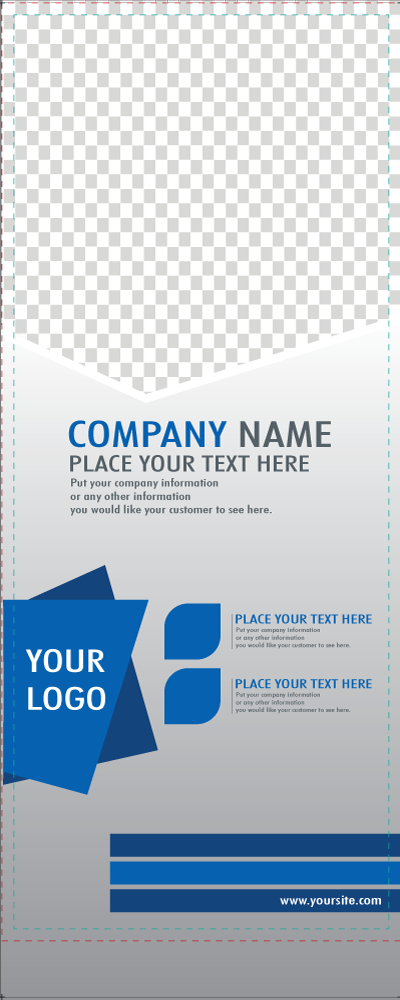
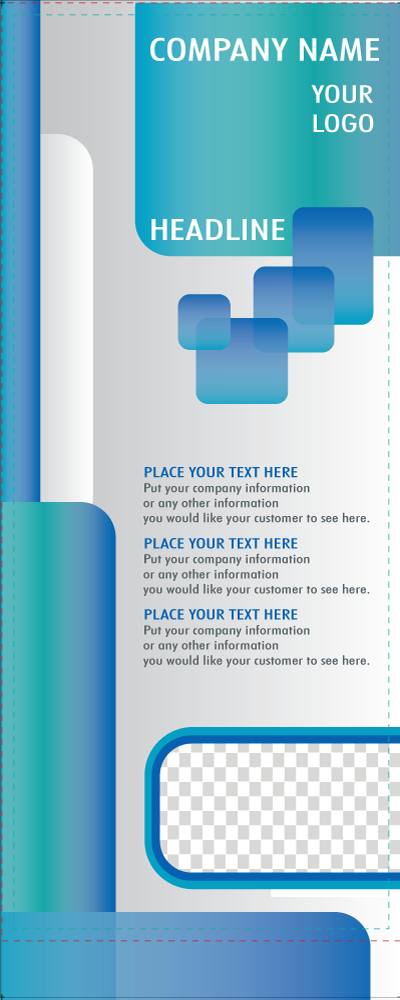
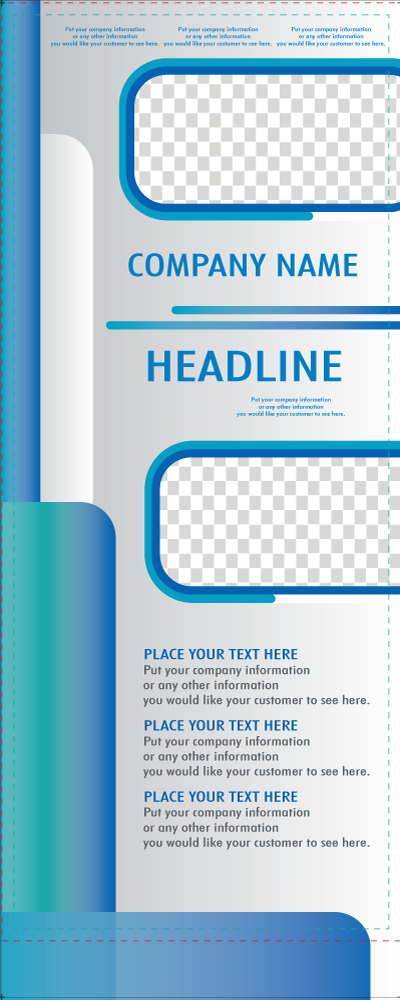
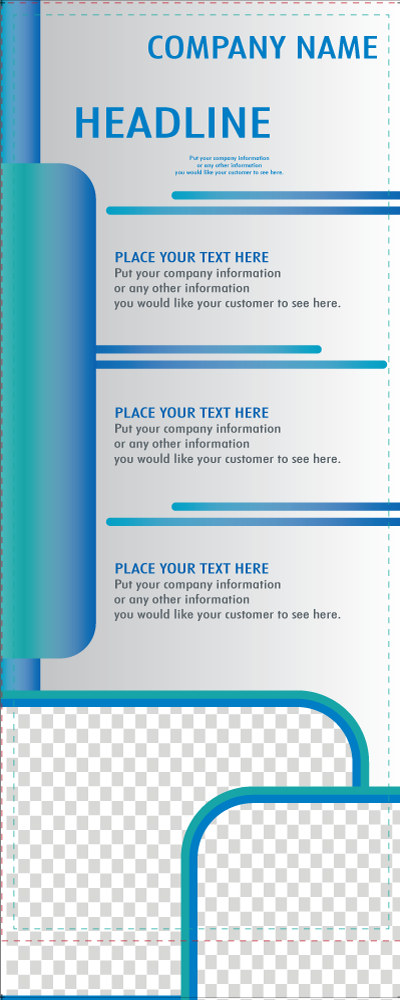
Anyone can design a great banner stand for their business, church or event. You can upload your own design and images or utilize our large selection of banner stand design templates (shown below). The templates can be used as banner stand design inspiration or a quick design guide. All of our templates can be customized to fit your needs.
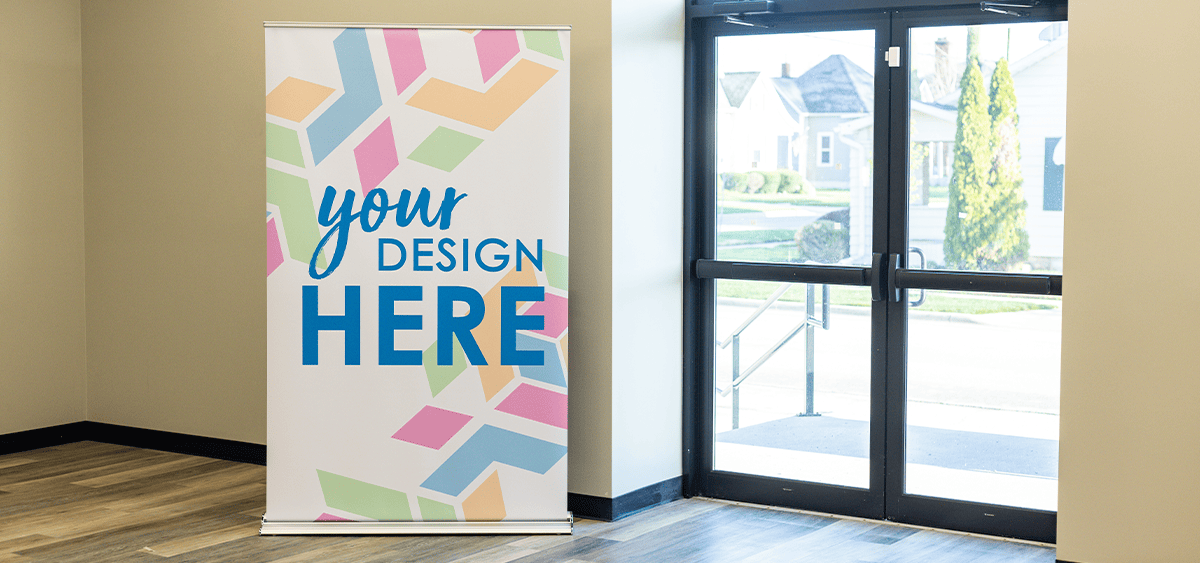
Banner Stand Design Inspiration
To use one of the banner stand design templates below, type the design number in the "Add special instructions here" box in Step 5 in the ordering process. Specify any text you'd like to include and upload your logo or images. We prefer AI files and images to be 100dpi. Other formats accepted are: EPS, PDF, JPG or PNG.










Ordering Instructions

Step One
Enter the quantity and your ZIP code. Choose your production and delivery time.

Step Two
Choose vinyl or polyester material.

Step Three
Choose or decline an optional banner light.

Step Four
Select “Upload Now” to access your own artwork or use our banner stand design templates. Choose “Email Later” if you need artwork assistance or wish to send your own design at a later time. Skip to Step Seven if choosing “Email Later.”

Step Five
To upload your own artwork click on “Choose File.” Utilize the “Add Special Instructions Here” box to communicate any design specifications.

Step Six
To use a banner stand design template: Type the design number in the “Add Special Instructions Here” box. To add a logo or image click “Choose File” to upload.

Step Seven
If the details of your order are displayed correctly on the shopping cart page, choose “Review & Checkout.”

Step Eight
Review your order, provide a billing address and confirm a delivery time/date. (You can pay for your order at this time or after you review and approved the free, virtual proof that is emailed to you.) Place your order.

Step Nine
Keep an eye on your email for your free virtual proof to review before the order is sent to production.
Order Your Banner Stand Today
Go to Retractable Banner Stands and select a floor length or table top style. We also have trade show packages if you need a banner stand, table cover and banner.


